Key takeaways
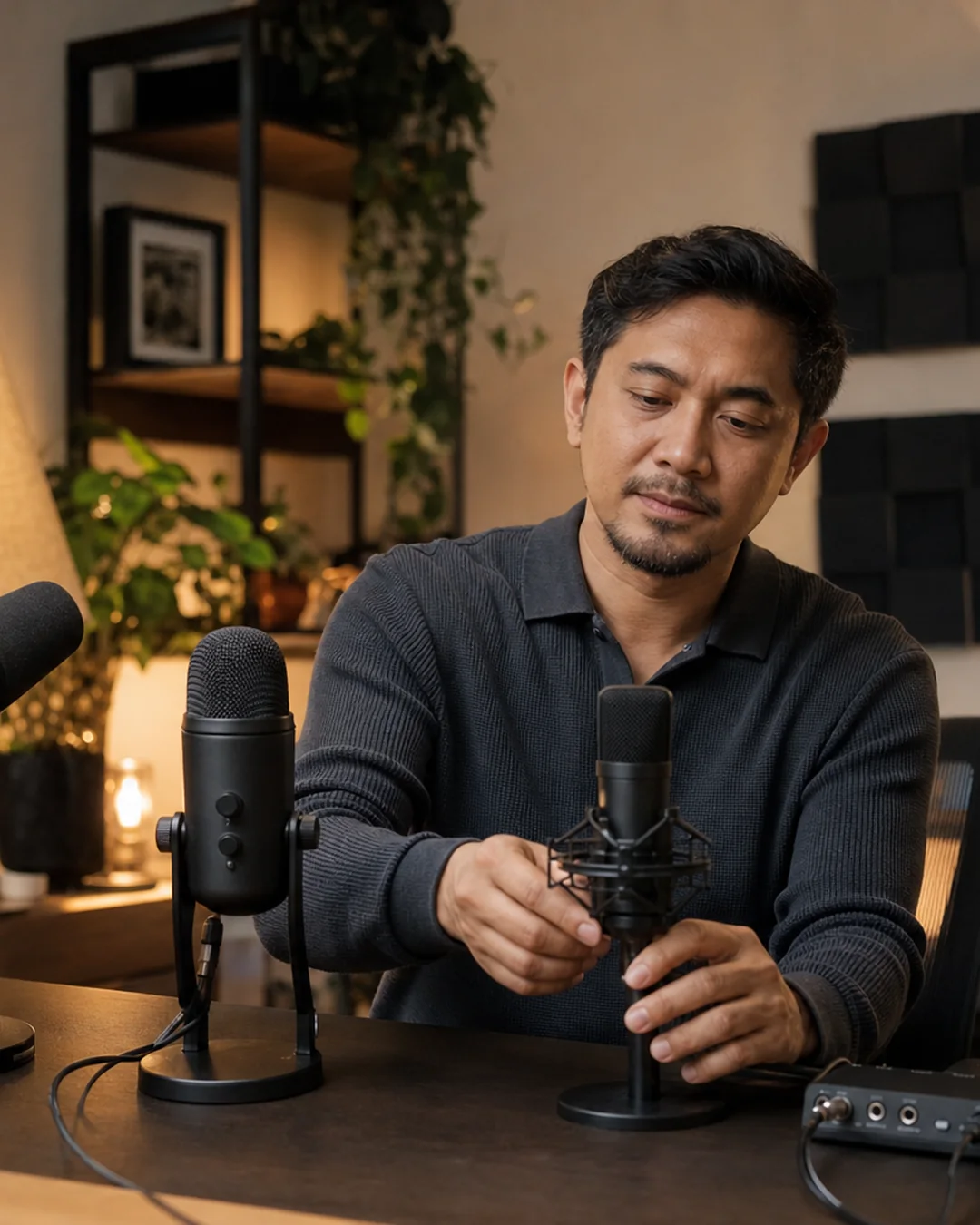
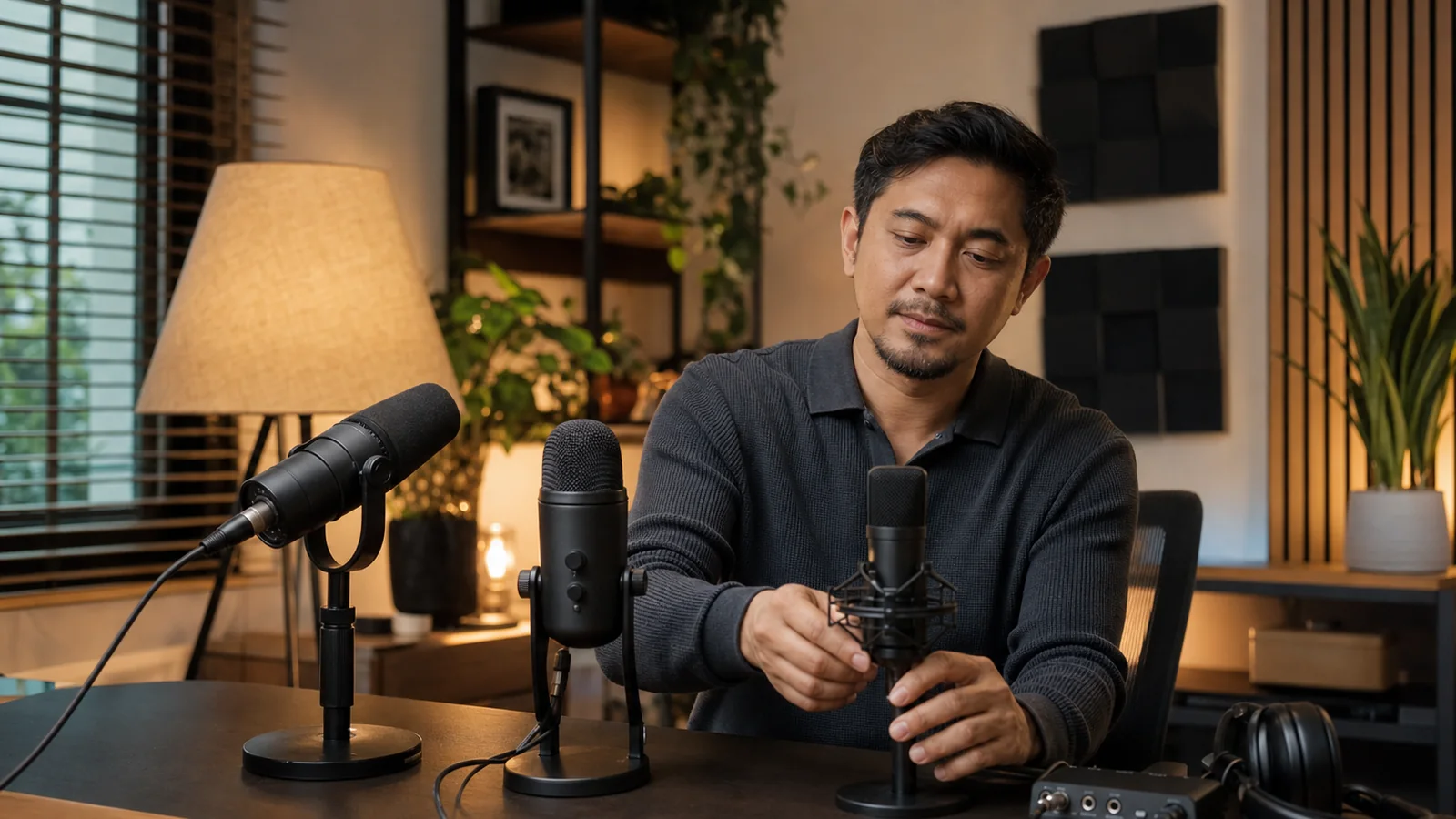
- Close placement matters more than a famous model name. Plan for a stand or arm that puts the mic four to eight inches from your mouth.
- A dynamic mic such as the MV6 or PodMic USB usually asks for closer speech; a condenser such as the Wave:3 or Seiren V3 Mini also hears more of a lively room.
- Direct headphone monitoring, a visible mute state, and dependable software routing are practical live-stream features—not extras.
- No polar pattern erases a keyboard, fan, traffic, or another person. Fix the source and placement before adding aggressive noise reduction.
- For the more expensive Shure hybrid, see our Shure MV7 and MV7+ review.
The picks at a glance
| Pick | Connection | Monitoring | Price checked | Best fit |
|---|---|---|---|---|
| Shure MV6 | USB-C | 3.5mm | $149 launch price; verify cart | Untreated rooms and simple setup |
| Elgato Wave:3 MK.2 | USB-C | 3.5mm | $169.99 | Multi-source stream routing |
| RØDE PodMic USB | USB-C and XLR | 3.5mm in USB mode | Localized retailer price | A future mixer or interface |
| Razer Seiren V3 Mini | USB | None on mic | $59.99 | Small budget and small desk |
Prices are manufacturer figures before tax and can move with color, stock, or promotions. RØDE’s U.S. page loads its offer through a location-sensitive retailer module, so we do not print a fixed number that the manufacturer did not expose during this check.
1. Shure MV6: best streaming microphone for most creators
The MV6 is the easiest recommendation for one seated speaker in a room without acoustic treatment. Shure uses a dynamic cardioid capsule and supplies a 12-centimeter desktop stand, USB-C cable, headphone output, and touch mute control. MOTIV Mix can manage as many as five audio channels, while the mic offers Auto Level, a real-time denoiser, and digital plosive reduction.
That feature list does not mean the mic can sit beside a monitor. A dynamic capsule still needs useful placement. Put the grille near your mouth, slightly off-axis, and turn the rear toward a keyboard or fan. Move the supplied stand forward for a trial stream before buying an arm. If the mic must sit more than a foot away, nearly any desk mic will raise room sound along with your voice.
Shure announced the MV6 at $149 in September 2024. The current U.S. product page still lists the model and its included stand but did not expose a dollar figure in our July 2026 page check, so confirm the cart total. Its main limitation is USB-only operation. A future XLR mixer requires a different mic.
Buy it for: a quiet-to-moderate bedroom, direct monitoring, visible mute control, and a short setup. Skip it for: two speakers sharing one mic or a known XLR upgrade path.
2. Elgato Wave:3 MK.2: best for stream audio routing
The $169.99 Wave:3 MK.2 is a USB-C condenser built around Elgato’s Wave Link mixer. That software can create separate mixes for the audience, recording, monitoring, and calls; it can group applications and host VST effects. The microphone adds automatic gain, tap-to-mute, a headphone output, onboard processing, and Clipguard 2.0 for sudden loud speech.
This is the pick when the microphone is only one part of the problem. A creator who needs game sound in the live feed, licensed music in headphones, a quieter browser source, and a clean local recording benefits from named virtual channels. Save a scene, then make a private test recording that includes every source. A pretty meter is not proof that the archive has the same mix as the broadcast.
The Wave:3 MK.2 is side-address: speak toward the face with the dial, not into the top. Elgato recommends roughly four to eight inches. Its condenser capsule can make keyboard position and room reflections more noticeable than with a close dynamic mic. The included desk stand is useful, while Elgato’s $59.99 desk stand and $99.99 low-profile arm show how quickly the complete cost can rise.
Buy it for: complex Windows or Mac stream routing and direct controls. Skip it for: a loud shared room, XLR plans, or a computer that cannot comfortably run more stream software.
3. RØDE PodMic USB: best USB-to-XLR bridge
The PodMic USB combines a dynamic cardioid capsule, USB-C, passive XLR, a headphone jack, an internal shock mount, an internal pop filter, and a removable external pop filter. RØDE Central controls USB processing; RØDE Connect can mix and record compatible RØDE sources on Mac or Windows. XLR sends the analog mic signal and does not carry those USB effects.
This is a sensible path for a creator who streams directly into a laptop now but expects to add a hardware mixer, audio interface, or second microphone. USB avoids an interface on day one. XLR preserves a later route without replacing the mic. The tradeoff is weight and mounting cost: the body uses an integrated swing mount and does not include a full desk stand or arm on the product page.
The headphone dial does not behave as a universal hardware mute. RØDE says pressing it mutes the microphone input when using RØDE Connect or UNIFY; in other apps it may mute monitoring while leaving the input active. Test the control in the exact streaming app and assign a software or Stream Deck mute if needed.
Buy it for: close speech and a real USB/XLR path. Skip it for: the cheapest complete kit or anyone who needs a universal physical mute button.
4. Razer Seiren V3 Mini: best budget pick
Razer lists the Seiren V3 Mini at $59.99. It is a compact USB condenser with a supercardioid pattern, tilting desktop stand, built-in shock absorber, and tap-to-mute sensor with a red/green status light. It works without Razer Synapse, which keeps a basic streaming computer free of another required background app.
The low price removes some controls. The microphone has no headphone output, so direct zero-latency monitoring is not available there. The small stand can leave the capsule too far from a seated speaker; a compatible arm may cost as much as the mic. A condenser also rewards a quiet room and keyboard placement behind its least-sensitive side.
Buy it for: chat, first streams, a compact desk, and an obvious mute indicator. Skip it for: live headphone monitoring or a noisy room.
Choose by room and workflow, not by sample clips
Start with the room
A vendor sample cannot reproduce your voice, desk, fan, room, processing, or streaming codec. Record a phone voice memo from the planned mic position. If the recording includes hard echoes, move closer to soft furniture, close the door, silence the fan during takes, and put the mic closer. A dynamic model can improve the voice-to-room ratio because it is normally used near the speaker, but the label itself is not noise cancellation.
Count every source
List microphone, system audio, browser, alerts, guest call, music, and local recording. A single USB mic is enough if the streaming app can route those sources. Wave Link or MOTIV Mix can reduce setup work, yet software updates and permissions add another failure point. Record a five-minute private test after every material update.
Price the finished desk
Add an arm or stand, headphones, a data-capable USB cable, any phone adapter, and an XLR interface if relevant. Check the arm’s supported weight and thread adapters. A $60 mic plus a $100 arm is not a $60 setup. A stable placement that can be repeated is worth more than decorative lighting on the mic body.
A ten-minute pre-stream setup
- Update the microphone firmware and streaming app before the broadcast day.
- Place the mic four to eight inches away and slightly to one side of the airflow from your mouth.
- Select it as the input in the operating system and the streaming app.
- Use wired headphones and turn off speaker monitoring that can feed back.
- Speak quietly, normally, and at the loudest level expected on stream.
- Set gain so loud moments remain below clipping; add only mild processing.
- Type, click, and move the arm while recording. Reposition before using a hard noise gate.
- Test mute and confirm the live meter actually stops.
- Record all planned audio sources to a private file and play it on headphones and a phone speaker.
- Save a profile, then make a 30-second check before each paid or public session.
Privacy for adult creator streams
A microphone can reveal a legal name spoken off-camera, a notification, an address, or another person in the room. Disable voice assistants and audible notifications. Use a hardware or tested software mute during breaks. Keep guest consent and platform rules in writing, and never assume noise reduction makes a private conversation inaudible.
Frequently asked questions
Is a dynamic or condenser mic better for streaming?
Neither type wins by itself. A dynamic mic used close is often easier in a reflective or noisy room. A condenser can work very well in a controlled space and may suit creators who need more distance. Placement, polar pattern, gain, and the room matter more than the category name.
Do I need XLR?
No. A USB microphone can deliver a dependable one-person stream without an interface. XLR becomes useful for several microphones, a hardware mixer, independent routing, or a known studio upgrade. Read our MV7 USB-versus-XLR explanation before paying for both.
Can two people share one streaming microphone?
They can, but both people usually sit farther from the capsule and the room becomes more audible. Two close microphones on separate channels give better level control. Check whether the software supports two USB devices reliably; a two-input interface can be simpler.
Will a better microphone improve camera video?
Only if the camera or computer can receive and synchronize it. For mobile or room-wide shooting, a wireless lavalier or compact camera mic may fit better than a desk model. Our vlogging camera guide explains the audio inputs on current camera picks.
The verdict
Start with the Shure MV6 when one close speaker needs a straightforward USB stream in a real home room. Choose the Wave:3 MK.2 when software mixing is the deciding feature, the PodMic USB when XLR is a genuine plan, or the Seiren V3 Mini when price and desk space lead. Whichever mic you choose, budget for repeatable placement and verify mute, routing, and the local recording before going live.
How we selected these microphones
Zivity compared current manufacturer product pages, manuals, support notes, included hardware, connection paths, monitoring, mute behavior, software support, and U.S. prices on July 16, 2026. We did not record with or listen-test these microphones. Rankings reflect documented workflow tradeoffs for solo creators, not claims about how a model sounds.